Claude Opus 5.5 Prompting Guide: 12 Tips for Faster, More Efficient Agents
Claude Opus 5.5 changes a few assumptions about how you should work with Claude.
Medium effort is now the default. You can adjust effort during a conversation without necessarily losing your prompt cache. And some techniques that were useful with older models can now add unnecessary latency or make agent workflows less reliable.
Anthropic published a practical prompting guide for Opus 5.5 covering prompting, Claude Code, agent harnesses, vision, and effort controls.
I went through the documentation and pulled out 12 changes that are worth knowing if you use Claude for coding or agentic workflows.
1. Start With Medium Effort
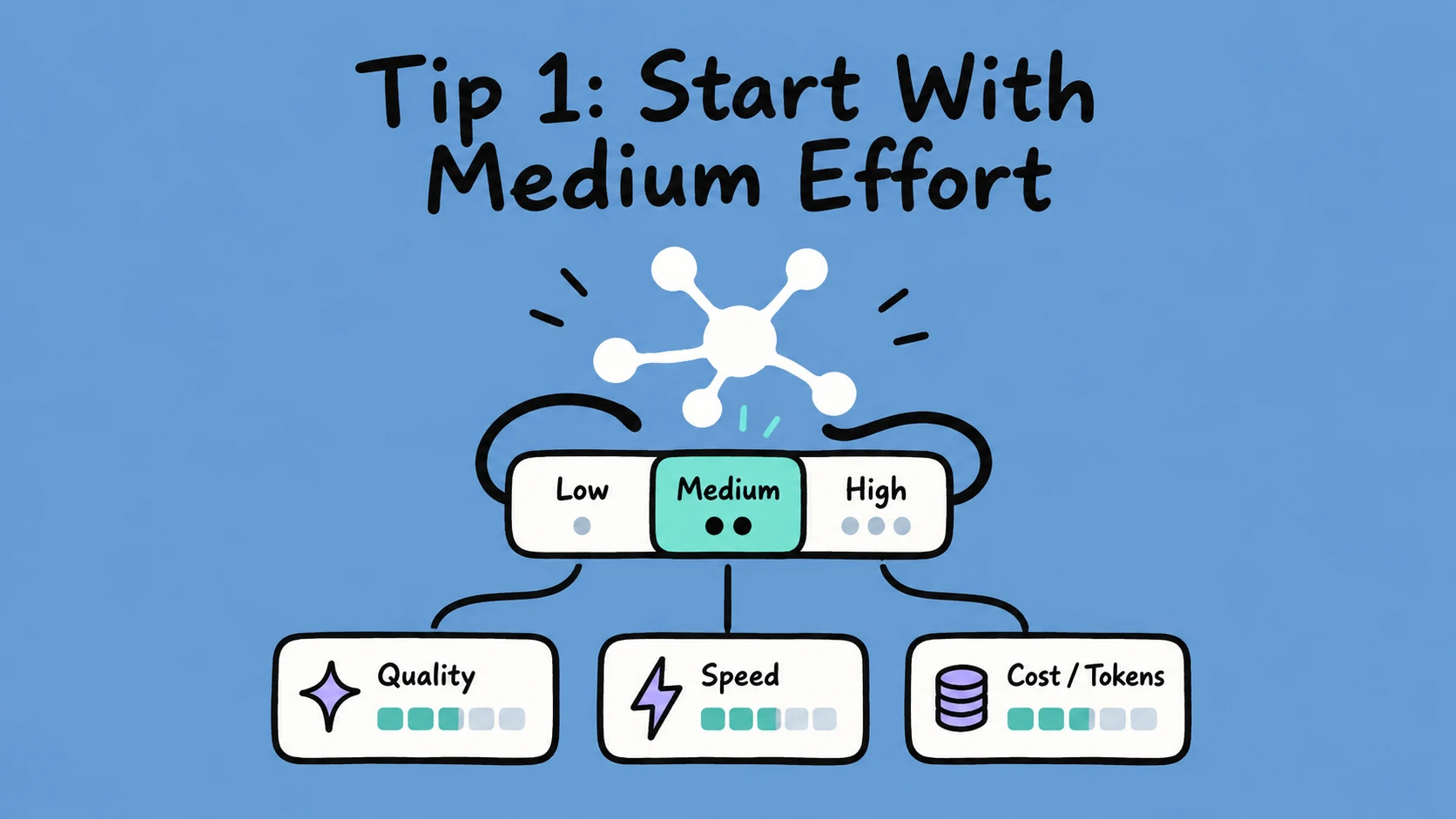
With Opus 5.5, medium is the default effort level.
That is a useful starting point for most tasks because it balances output quality, latency, and token usage.
There is usually no reason to immediately push effort to the highest setting.
Instead, start with medium and increase it only when the task genuinely benefits from more reasoning, such as:
- difficult debugging
- complex architecture decisions
- large code migrations
- multi-step research
- complicated agent tasks
More effort does not automatically mean a better result.
Sometimes it just means a slower and more expensive one.
2. Test Effort Levels on Your Own Tasks
Don’t assume one effort level works best for everything.
Anthropic recommends testing different effort levels against your actual workflows.
Take a few tasks you perform regularly and compare them across different settings.
Look at things such as:
- output quality
- completion rate
- latency
- token usage
- consistency
You may find that a simple coding task performs almost identically at low or medium effort, while a complex debugging task improves noticeably at high effort.
The best setting depends on the task, not just the model.
3. Use AGENTS.md to Simplify Coding Tool Instructions
If you use multiple AI coding tools, you have probably run into this problem:
One tool expects CLAUDE.md.
Another expects AGENTS.md.
Then you end up maintaining multiple files containing almost the same instructions.
Recent versions of Claude Code can read AGENTS.md when a project-specific CLAUDE.md or CLAUDE.local.md is not present.
That makes it easier to keep one shared instruction file across multiple coding agents.
For example, your AGENTS.md might contain:
- project architecture
- coding conventions
- commands for running tests
- file structure
- things the agent should avoid changing
- preferred libraries and patterns
For teams using several AI coding tools, this can reduce duplicated configuration.
4. Change Effort Without Throwing Away Cached Context
Prompt caching matters a lot when you are working with long conversations or large agent contexts.
Normally, changing certain request parameters can invalidate the cache and force Claude to process the context again.
Opus 5.5 introduces support for changing effort on individual messages while preserving cached context.
That means an agent can stay at medium effort for normal work and temporarily increase effort for a difficult step without reprocessing everything from scratch.
There is an important caveat here:
Changing the normal top-level effort setting between API requests can still invalidate the cache.
The cache-preserving behavior applies to the newer per-message effort mechanism.
So if prompt caching is important to your application, make sure you understand which effort control you are using.
5. Check Whether You Have a Usage Limit Reset
This one is not really a prompting technique, but it is worth knowing if you use Claude heavily.
Anthropic sometimes provides eligible users with free usage limit resets.
You can check the Usage section of your Claude settings to see whether one is available.
If you have one, you may want to save it for a time when you actually hit a usage limit rather than using it immediately.
Think of this as a small operational tip rather than an Opus 5.5 prompting rule.
6. Don’t Ask Claude to Reveal Its Raw Internal Reasoning
Avoid prompts that explicitly ask Claude to expose its private reasoning process.
For example:
Show me every internal reasoning step you used to reach this conclusion.
Claude may refuse requests like this under Anthropic’s reasoning_extraction protections.
Usually, you do not need the raw reasoning anyway.
If you want to understand an answer, ask Claude for something like:
Explain the key factors behind your conclusion.
Or:
Give me a concise step-by-step explanation of how you solved this.
That gives you a useful explanation without asking for hidden internal reasoning.
7. Tell Claude When Previous Decisions Are Final
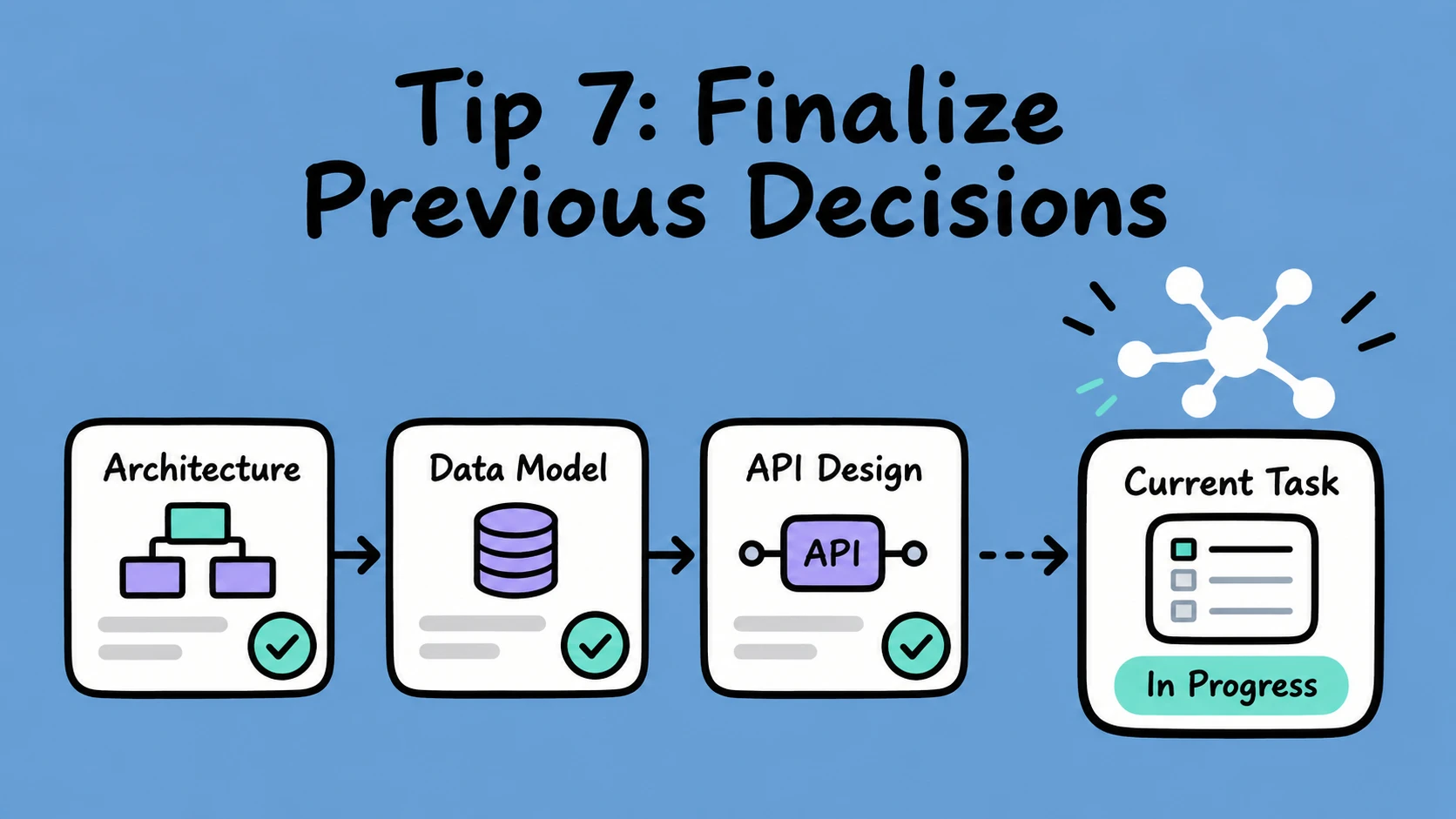
Opus 5.5 can be very thorough.
That is useful most of the time, but in long-running tasks it can occasionally cause Claude to revisit decisions that have already been settled.
For example, imagine you spend several turns deciding on a database schema.
Later, while implementing an API endpoint, Claude may decide to reconsider the schema again.
You can reduce this by explicitly telling it which decisions are final.
For example:
Treat all previously approved architecture decisions as finalized unless I explicitly ask you to revisit them.
This is especially useful for:
- large refactors
- long coding sessions
- architecture work
- migration projects
- multi-agent workflows
It keeps the model focused on the current step instead of reopening old ones.
8. Use Persistent Checklists for Long Agent Tasks
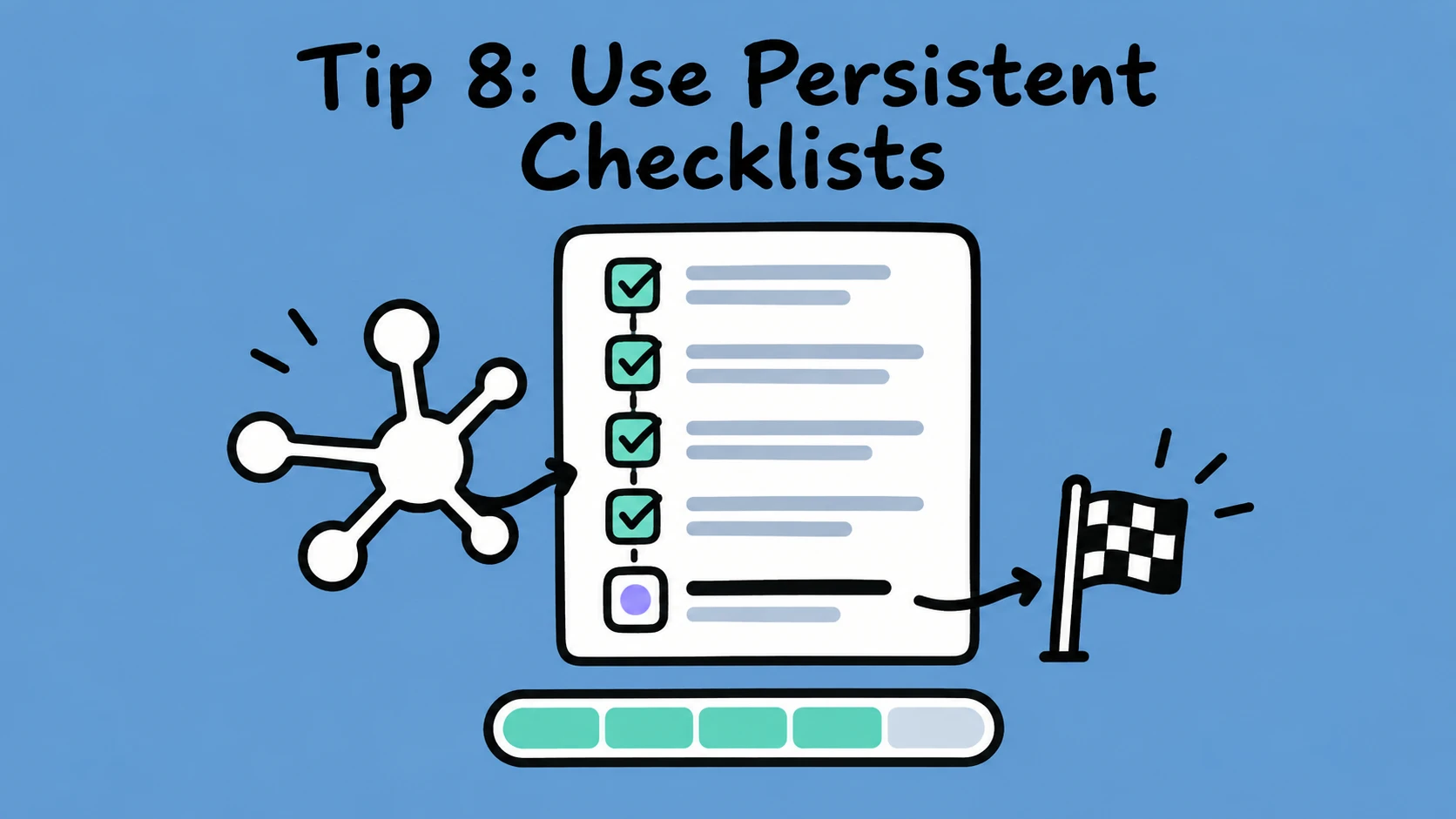
Long-running agents sometimes produce a progress update and then accidentally behave as if the task is finished.
This is more noticeable in unattended agent loops where the surrounding harness decides whether the agent should continue.
Anthropic recommends maintaining a persistent task checklist.
For example:
- Inspect the repository
- Find authentication code
- Update token refresh logic
- Add tests
- Run the test suite
- Summarize the changes
The agent should keep updating this list until every required step is complete.
A checklist gives both Claude and your agent harness a clear representation of what remains unfinished.
This is a simple technique, but it can noticeably improve completion rates on multi-step tasks.
9. Give Agents a Real Time Budget
For multi-agent systems, Anthropic recommends making time an explicit part of the agent’s context.
Instead of simply saying:
Work quickly.
Give the agent information such as:
Time budget: 20 minutes
Elapsed: 6 minutes
Remaining: 14 minutes
Then update that information as the task continues.
This allows the model to adjust how much time it spends exploring, verifying, and polishing.
Early in the task, it may investigate multiple approaches.
As the deadline gets closer, it can narrow its focus and prioritize finishing the most important work.
This is particularly useful for agent systems that need to operate within strict execution limits.
10. Tell Claude When Speed Matters
Sometimes you do not need a detailed time budget.
You just want Claude to favor speed over exhaustive exploration.
Anthropic has specifically tested instructions such as:
Time matters.
or:
Prioritize speed.
These instructions can help guide the model toward a more efficient strategy.
But don’t treat “time matters” as a magic phrase that automatically makes every request faster.
It works best when the rest of your agent setup also gives Claude useful information about the available time or execution constraints.
For normal prompts, a simple instruction like this is often enough:
Prioritize speed. Give me the simplest correct solution first.
11. Be Specific About UI Design Instead of Saying “Make It Modern”
This is probably one of the most useful tips if you use Claude for frontend development.
Prompts like:
Make this UI modern.
are too vague.
The model has to guess what “modern” means, which often produces familiar AI-generated patterns:
- large gradient hero sections
- rounded cards everywhere
- generic dashboard layouts
- oversized headings
- predictable typography
- excessive glassmorphism
Telling Claude to avoid a “generic AI look” usually does not solve the problem either.
You will get better results by describing the design system you actually want.
For example:
Use a minimal editorial layout.
Avoid gradients and glassmorphism.
Use compact spacing.
Limit border radius to 8px.
Use one accent color.
Prefer typography and whitespace over decorative cards.
You can go even further by providing:
- screenshots
- design tokens
- typography rules
- spacing scales
- reference websites
- component guidelines
The more concrete the visual direction, the less Claude has to fall back on generic defaults.
12. Give Vision Agents Crop and Zoom Tools
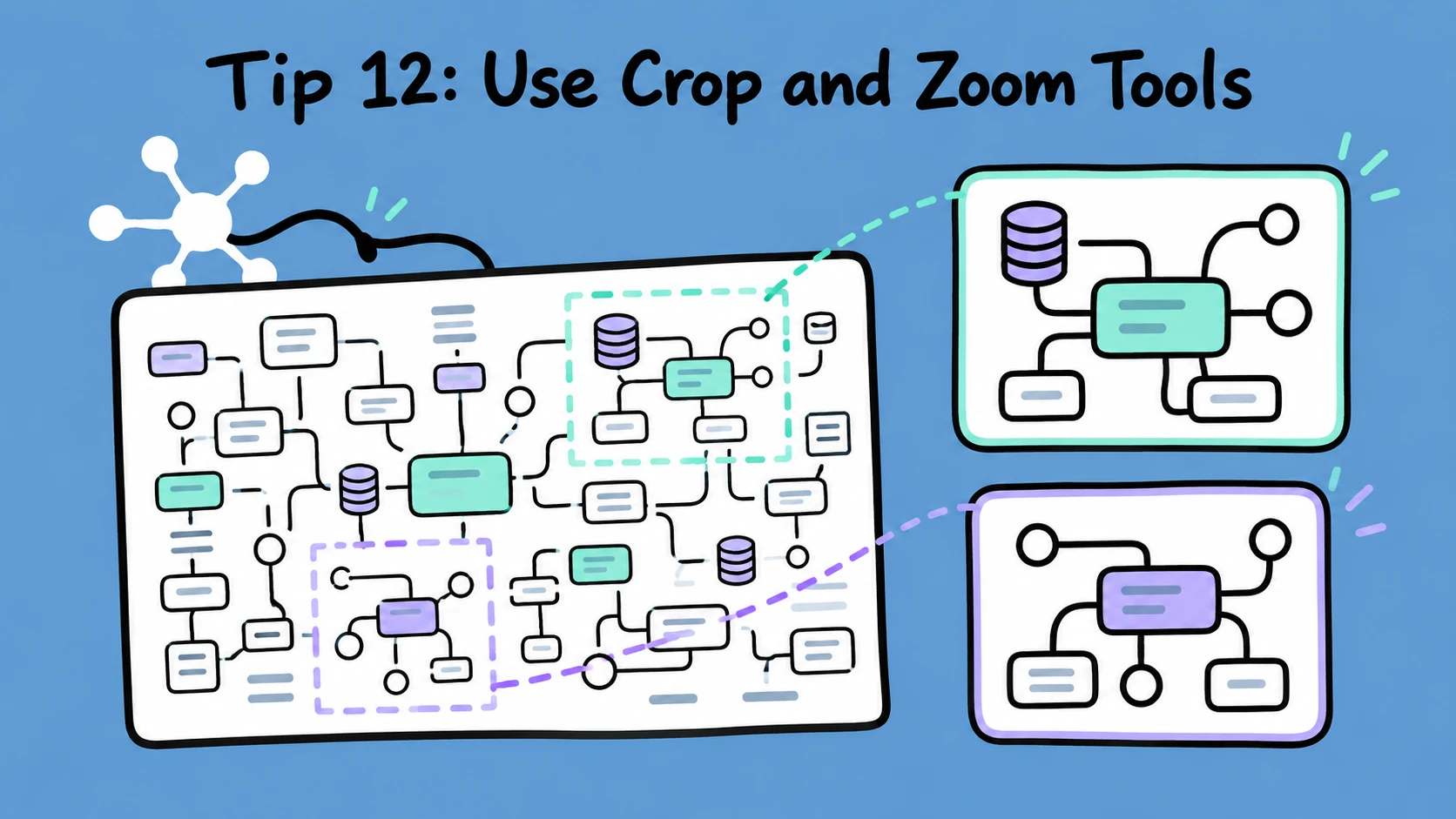
Large images can contain far more information than the model can effectively inspect at once.
Think about:
- architecture diagrams
- circuit schematics
- dashboards
- maps
- large screenshots
- complex UI layouts
Instead of repeatedly sending the whole image, give your agent access to image-processing tools such as Pillow or OpenCV.
Then Claude can:
- inspect the full image
- identify an interesting region
- crop that region
- zoom in
- inspect the details
- repeat when necessary
This is similar to how a human works with a large diagram.
You first understand the overall structure, then zoom into the part you actually need.
For vision-heavy agents, this can make image analysis much more reliable.
One Bigger Lesson From Opus 5.5
The biggest takeaway for me is that prompting is becoming less about finding clever phrases.
A lot of the improvements Anthropic recommends are really about giving the model a better working environment.
That includes:
- choosing the right effort level
- preserving prompt caches
- maintaining task state
- giving agents explicit time constraints
- providing better tools
- making previous decisions clear
- giving concrete design requirements
In other words, the quality of an AI agent increasingly depends on the harness around the model, not just the prompt itself.
Final Thoughts
You probably do not need to rewrite every Claude prompt you already have.
Anthropic says existing prompts that worked well with previous Opus models should generally continue to work.
But Opus 5.5 introduces a few opportunities to make agent workflows more efficient.
If I were updating an existing Claude setup, I would start with three things:
- Test whether
mediumeffort is enough for most tasks. - Add persistent checklists to long-running agent workflows.
- Make constraints such as time, finalized decisions, and design requirements explicit.
Those changes are simple, but they can make Claude more predictable without turning every system prompt into a giant wall of instructions.