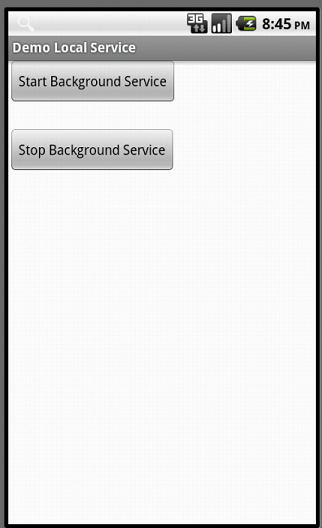
Notification
A - Introduction
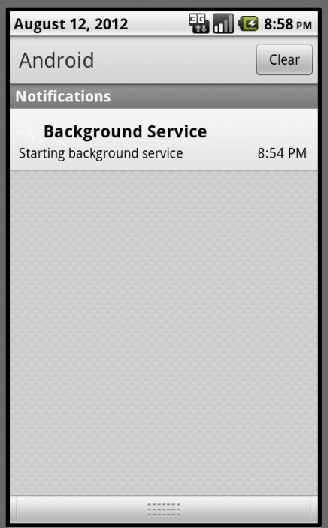
In Android, an application can push a message to user called Notification outside its normal UI.First, the notification will appear on the Notification Bar

User can see all the detail of a notification by opening the Notification Drawer

B - Notification Display Elements
Android Notification has 2 views: Normal View and Big View. In this post, I only focus on Normal View. Big View will have its own entry later :)
- Content title
- Large icon
- Content text
- Content info
- Small icon
- Time that the notification was issued
C - Demo
To push a notification, first of all, you need to create a NotificationManager object:
Then, create a Notification object:

The constructor of Notification has 3 arguments:
- The large icon (2) in Normal View
- Notification content title
- Notification time

- The 3rd argument is the Activity you want to start
Assign the latest notification by setLatestEventInfo() method:

Push the notification:

The notify() method has 2 arguments:
- ID : to distinguish notifications. If there're 2 notifications with same ID, only notify the latest one.
- A Notification instance.